

Travel
How to Use AI for Travel Planning (25 ChatGPT Prompts to Save Time & Money)




Crafting Compelling Travel Images with AI
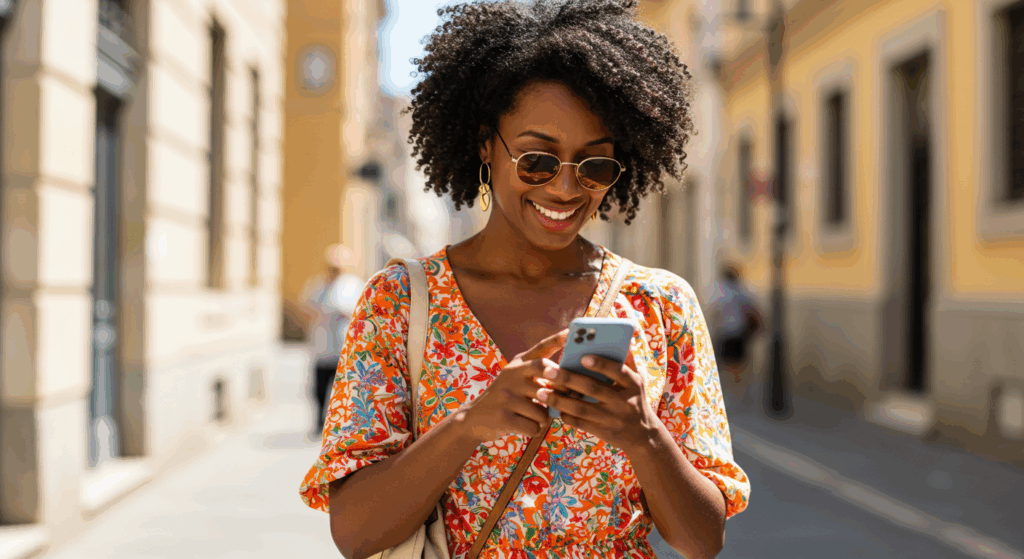
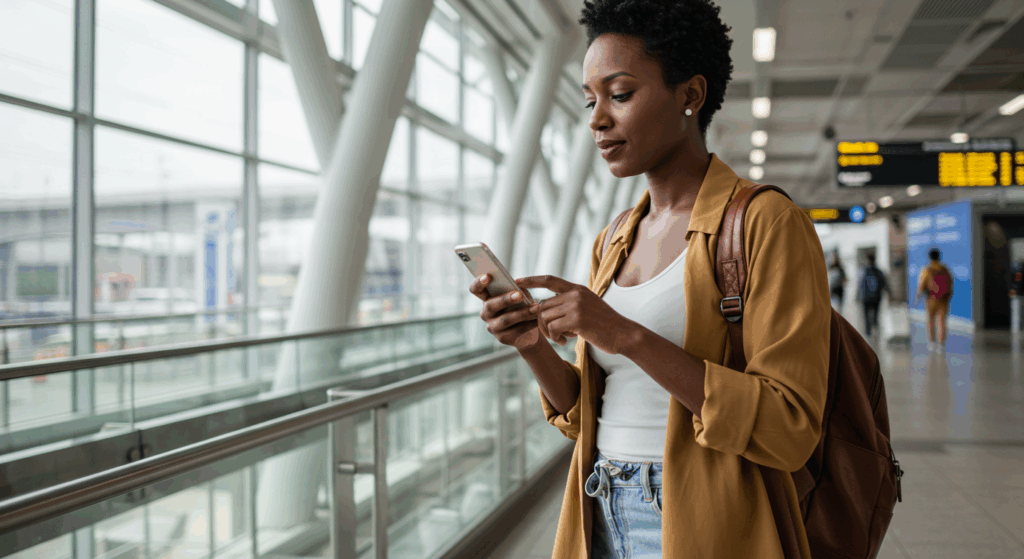
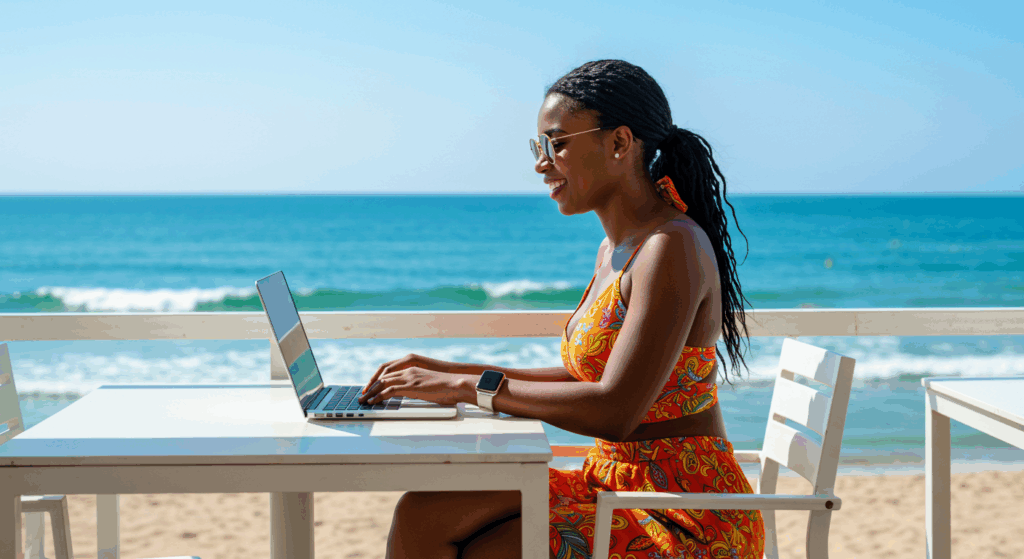
AI empowers travelers to not only plan their trips but also to create stunning, personalized visuals for inspiration, social media sharing, or simply to vividly imagine their upcoming adventures. Travel image prompts include focusing on elements like golden hour locations, sunrise/sunset viewpoints, unique architectural subjects, opportunities for local culture photography, considering weather for equipment protection, and aiming for “Instagram-worthy” locations with unique perspectives. These are practical, real-world tips that directly enhance the quality and relevance of AI-generated travel images, aligning with modern content creation trends.
Furthermore, advanced parameters and keywords can significantly refine AI image output. Terms like photorealistic, 8k, high-resolution, Depth of Field, cinematic lighting, ultra-detailed, vivid color, UHD image, digital painting software, sci-fi art influences, dynamic lighting, vibrant colors, detailed architectural elements, realistic water effects, intricate marine life details, high contrast, 4K quality, and specific parameters such as --ar (aspect ratio), --v (version), and --s (stylize) offer granular control over style, quality, and composition. Beyond the core descriptive elements, introducing these advanced parameters as optional additions significantly enhances the value for the tech-savvy user. This allows for fine-tuning visual output with precision, catering to a desire for greater control and higher quality. The target user is described as tech-savvy, and while the basic formula for image generation is essential, offering insights into advanced parameters allows for a deeper level of customization. This caters to users who want to move beyond simply generating “good” images to creating “mind-blowing” or “photorealistic” images with specific aspect ratios, artistic styles, or levels of stylization.
Step-by-Step Guide to Building Your Image Prompt:
- Step 1: Start with the Scene (Setting Description): Begin by establishing the environment. Be vivid and specific. For example, instead of “beach,” try “A tranquil beach with crystal-clear water, just before sunset”. Or “A bustling urban street market at dawn”.
- Step 2: Add the Subject (Subject Detail): Introduce the main elements or characters within the scene, detailing their appearance or actions. For the market, this might be “full of vibrant colors and scents”. For a boat, “A small, wooden fishing vessel, aged and weathered, with a few rustic lanterns hanging from its sides casting a warm glow”.
- Step 3: Specify Details & Style: Emphasize the desired level of detail and resolution (e.g., “8k resolution,” “detailed textures”). Crucially, define the desired art style (e.g., “photorealistic,” “digital painting,” “cinematic,” “sci-fi art influences”).
- Step 4: Consider Lighting & Mood: Describe the lighting conditions (e.g., “golden hour light,” “cinematic lighting,” “soft evening lighting,” “bioluminescent lights”) and the overall mood you want to convey (e.g., “tranquil,” “bustling,” “mysterious”).
- Step 5: Invoke the Senses (Where Relevant): Add sensory details to make the image more immersive. For a spice market, this could be “filled with the aromas of cumin, saffron, and cinnamon”.
- Step 6: Advanced Parameters (Optional): Briefly explain how parameters like
--ar(aspect ratio) and--s(stylize) can be added for further customization.8 For example,--ar 16:9for a widescreen image or--s 750to increase stylization.
Table 2: Anatomy of a Perfect Travel Image Prompt
| Component | What to Include | Example Keywords/Phrases | Why it Matters |
| Setting Description | The environment, location, time of day. | bustling urban street market at dawn, tranquil beach at sunset, snowy village at Christmas |
Establishes the core scene and atmosphere. |
| Subject Detail | Main elements, characters, their appearance/actions. | vibrant colors and scents, aged wooden fishing vessel, flying cars |
Defines the central focus and key visual elements. |
| Art Style | The aesthetic quality of the image. | photorealistic, digital painting, cinematic, sci-fi art influences, documentary-style photograph |
Determines the overall look and feel of the generated image. |
| Lighting & Mood | Light conditions and emotional tone. | golden hour light, cinematic lighting, soft evening lighting, bioluminescent lights, sense of awe, mysterious |
Sets the emotional resonance and visual drama. |
| Specific Details | Unique features, textures, expressions, objects. | ancient ruins, intricate carvings, detailed textures, expressive faces, 8k resolution, high-resolution |
Adds richness, authenticity, and visual fidelity. |
| Sensory Invocation | Elements appealing to senses (sight, sound, smell). | aromas of cumin, saffron, laughter and joy, fire crackling |
Makes the scene more immersive and relatable. |
| Advanced Parameters | Technical controls for aspect ratio, stylization, etc. | --ar 16:9, --s 750, --v 6.0, --style raw |
Fine-tunes composition, artistic intensity, and model version for precision. |